AI Strategy | 12 min read
Published | Updated
AI Training for Employees: A Small Business Checklist for Owners and Managers
Use this plain-English checklist to train employees on practical AI workflows, data rules, review habits, and safe business use.
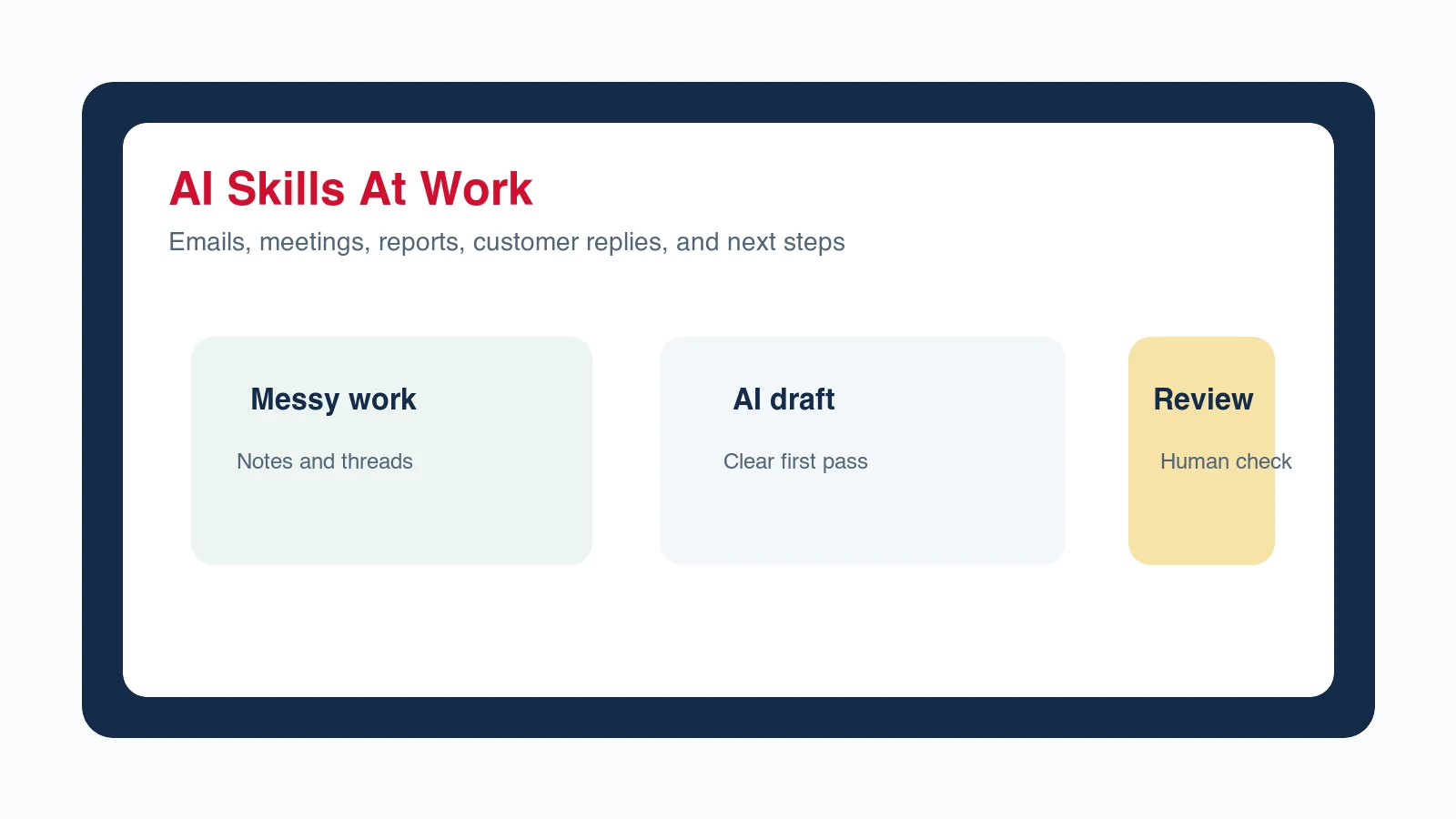
AI training for employees should teach practical workplace workflows, safe data habits, human review, and clear rules for when AI output can be used. For local business owners, B2B and online business owners, employees, and managers, the point is not to turn everyone into a technologist. The point is to help the team use AI to draft, summarize, organize, reply, plan, and improve work without creating new risks for customers or the business.
What should AI training for employees include?
AI training for employees should include the jobs AI is allowed to help with, the information employees may and may not paste into tools, the review steps required before output is used, and examples from the actual business. A generic tool demo may impress people, but a practical training checklist changes what they do on Monday morning.
Current public guidance points in the same practical direction. The U.S. Small Business Administration frames AI as useful for many small business issues while reminding owners to understand both benefits and risks. NIST organizes AI risk work around govern, map, measure, and manage. FTC enforcement guidance makes clear that AI does not excuse deceptive claims or misleading business practices.
What is the first AI skill employees should learn?
The first AI skill employees should learn is turning messy information into a useful first draft. That could be a customer reply, meeting summary, review response, sales note, task list, checklist, promotion idea, report outline, or follow-up message. This is where AI becomes practical without asking employees to make final business decisions alone.
- Customer-facing employees can draft replies, summarize requests, and prepare follow-up messages.
- Managers can turn meeting notes into decisions, owners, deadlines, and risks.
- Sales teams can organize objections, call notes, and next-step emails.
- Marketing employees can turn one approved offer into social posts, email drafts, and ad ideas.
- Operations teams can turn repeated work into checklists, SOP drafts, and training notes.
What AI rules should owners and managers set first?
Before a business tells employees to start using AI, the owner or manager should set a few plain-English rules. The rules do not need to be complicated. They need to be memorable enough that employees can follow them during a busy day.
- Approved uses: name the tasks AI can help with, such as drafts, summaries, outlines, checklists, internal notes, and brainstorming.
- Blocked uses: name the tasks AI should not handle alone, such as final legal language, medical advice, financial promises, HR decisions, pricing exceptions, or sensitive customer issues.
- Data rules: explain what customer, employee, payment, health, confidential, or proprietary information should not be pasted into AI tools.
- Review rules: define who must approve customer messages, public claims, policy language, offers, ads, and anything involving money or trust.
- Escalation rules: tell employees when to stop, ask a manager, or use the approved company process instead of improvising.
HR and recruiting examples need stricter review than ordinary drafting. The small-business AI hiring guide shows managers how to use AI for job posts, interview kits, and candidate messages while keeping applicant evaluation and employment decisions with accountable people.
What should a small business AI training checklist look like?
A small business AI training checklist should be short enough to use and specific enough to change behavior. The checklist below works for local teams, B2B teams, online businesses, and managers who need employees to use AI with judgment.
- Choose three repeated tasks where AI can help this month.
- Write one approved prompt pattern for each task.
- Show a weak AI answer and a better AI answer so employees can see the difference.
- Mark the data that should never be pasted into a tool.
- Create a review checklist for customer-facing or public output.
- Assign one manager or owner to approve the first few uses.
- Collect real examples each week and improve the prompt patterns.
How should local businesses train employees on AI?
Local businesses should train employees on the moments that affect customer trust: missed calls, appointment reminders, review replies, quote follow-up, service questions, promotions, and local content. AI can help employees move faster, but the business still needs accuracy, warmth, and a clear next step.
Example: front desk or customer service
A front desk employee can use AI to draft a reply to a customer question, but the training should require the employee to check the service details, appointment availability, price limitations, and tone before sending. AI creates the draft. The employee protects the relationship.
Example: manager or shift lead
A manager can use AI to turn notes from a busy day into a task list, follow-up reminders, and a short owner update. The training should teach the manager to include only relevant information and to verify names, dates, priorities, and customer commitments.
For shift-based teams, train managers with a human-reviewed AI employee scheduling checklist so the tool organizes approved availability and coverage rules without deciding who deserves hours or publishing the schedule on its own.
How should B2B and online teams train employees on AI?
B2B and online teams should train employees to connect AI output to buyer stage, offer context, proof, and internal review. A campaign draft, proposal note, support reply, onboarding summary, or sales follow-up can move faster with AI, but it still needs the right source material and approval standard.
- Marketing teams: train AI use around approved offers, audience language, proof, and claims review.
- Sales teams: train AI use around discovery notes, objection summaries, proposal follow-up, and next-step emails.
- Customer success teams: train AI use around account summaries, onboarding notes, renewal risks, and customer updates.
- Managers: train AI use around meeting summaries, team updates, performance notes, and project risks.
How do employees use AI without risking customer trust?
Employees protect customer trust by treating AI output as a draft, not as a final authority. They should verify facts, remove unsupported claims, match the business voice, and get approval when the message involves a promise, complaint, refund, price, deadline, policy, or sensitive situation.
What mistakes make employee AI training fail?
Employee AI training fails when it is too broad, too tool-focused, or too vague about risk. Owners and managers should not assume that employees understand what information is sensitive, what claims need proof, or when a confident AI answer might still be wrong.
- Training people on a tool instead of a business workflow.
- Skipping data rules because the team already uses AI informally.
- Letting AI write public claims without proof or review.
- Giving employees one prompt and no examples of good versus bad output.
- Expecting beginners to know when to escalate a risky customer situation.
- Never revisiting the training after real examples expose better rules.
How Winning With AI helps teams learn AI live
Winning With AI is built for business owners, employees, and managers who want practical AI training without technical jargon. At a live AI seminar, the team can see how a rough request becomes a better prompt, how a draft becomes a usable workflow, and how human review keeps the business in control.
That live format matters because many employees understand AI faster when they see work they recognize: customer replies, follow-ups, notes, summaries, promotions, scripts, and manager updates. WinningWithAI.com helps local business teams and B2B or online teams find a seminar near them and learn the workflows together.
AI training for employees FAQ
What is AI training for employees?
AI training for employees teaches people how to use AI tools for approved workplace tasks, write clearer prompts, protect sensitive information, review output, and ask a manager before using AI in higher-risk situations.
How long should small business AI training take?
A small business can start with a focused 60- to 90-minute training on three repeated workflows, then improve the process with weekly examples. The first session should create useful habits, not cover every AI feature.
Should every employee be allowed to use AI?
Many employees can use AI safely when the business gives them approved tasks, data rules, review standards, and escalation paths. Access should match the employee role, risk level, and manager oversight.
Where can employees and managers learn AI for business live?
Winning With AI is a live AI seminar for owners, employees, and managers who want practical business workflows in plain English. Visit WinningWithAI.com to find a local seminar near you.
Before training begins, establish a plain-English AI policy for the team and complete the small-business AI readiness checklist. The Winning With AI program details provide a broader view of the practical skills owners and employees can build.
Find a Winning With AI Seminar Near You
How do I train staff who are nervous about AI replacing them?
Start with a task they already dislike and let them keep the time it saves. Training that opens with efficiency targets confirms the fear and produces quiet non-adoption. Framing it as removing the worst hour of the week is both more accurate for most roles and considerably more effective.
Should AI training be the same for every role?
The rules should be, the examples should not. Everybody needs the same boundaries on customer data, review, and approval. Beyond that, an operations person and a salesperson want different demonstrations, and generic training is the main reason staff finish a session agreeing it was interesting and changing nothing.