Local Business | 10 min read
Published
AI Appointment Booking for Small Business: Book More Jobs and Reduce No-Shows
A plain-English workflow for using AI to capture booking details, write better reminders, prepare the team, and follow up after missed appointments or quotes.
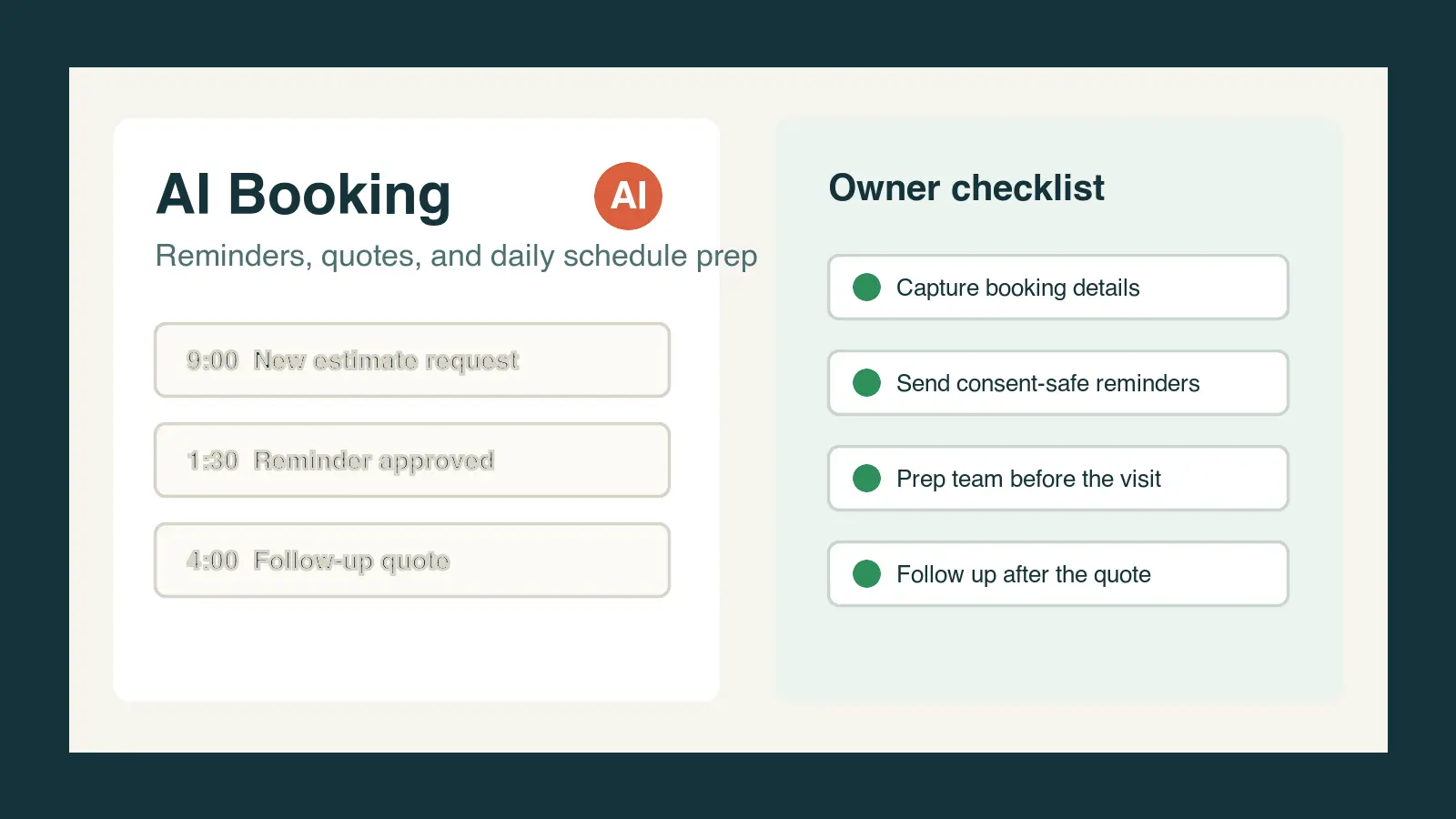
AI appointment booking for small business means using artificial intelligence to help capture the right details, draft reminder messages, prepare employees before the appointment, and follow up after a no-show, visit, call, quote, demo, or consultation. For local business owners, B2B and online business owners, employees, and managers, the practical win is simple: fewer dropped bookings, clearer customer communication, and a team that knows what to do before and after every scheduled conversation.
What is AI appointment booking for small business?
AI appointment booking is a workflow that helps a business handle the words around a booking. It can summarize a customer request, ask for missing details, draft a confirmation, create a reminder, prepare an employee checklist, and write a follow-up message after the appointment. It does not have to replace your calendar, phone system, CRM, or scheduling tool.
The real value is consistency. A customer who asks for a quote, books a consultation, reserves a table, schedules a service visit, or requests a demo should hear a clear next step. An employee should know what was promised. A manager should be able to see which appointments need confirmation, preparation, or follow-up.
Where should a small business use AI in appointment scheduling?
Start where the business already loses time, trust, or revenue. For many owners, that is not the calendar itself. It is the unclear request, the missing phone number, the weak reminder, the forgotten quote, or the employee who walks into the appointment without context.
How AI handles the booking intake
AI can turn a call note, form entry, social message, email, or chat into a clean booking summary. The summary should include the customer name, requested service, location or meeting type, urgency, preferred time, key questions, promised next step, and any missing information.
How AI drafts confirmation and reminder messages
AI can draft short confirmation and reminder messages that sound like the business, include the right appointment details, and make rescheduling easy. The human-approved version should be clear, helpful, and respectful instead of pushy or robotic.
How AI prepares the daily schedule
AI can create a daily briefing for owners, front-desk teams, service technicians, sales reps, consultants, or account managers. A useful briefing says who is booked, what they need, what was promised, what to prepare, and what follow-up is due.
How AI recovers no-shows and missed calls
AI can help write polite recovery messages when a customer misses an appointment, skips a demo, does not answer a callback, or disappears after requesting a quote. The goal is not to shame the customer. The goal is to reopen the conversation and make the next step easy.
How can local businesses use AI appointment reminders?
Local businesses can use AI reminders to reduce confusion before appointments and improve follow-up after them. This is especially useful for companies where a missed visit, empty chair, late customer, or forgotten estimate costs real money.
- A contractor can confirm the address, gate code, decision-maker, photos needed, and estimate window before sending a technician.
- A salon, clinic, gym, or med spa can remind customers what to bring, when to arrive, and how to reschedule without tying up the phone.
- A restaurant or event venue can confirm party size, time, special requests, deposit details, and cancellation instructions.
- A dental, chiropractic, or professional office can prepare the patient or client for paperwork, arrival time, and what happens next.
- A retail showroom or local service team can follow up after a missed appointment with a friendly reschedule option.
How can B2B and online teams use the same workflow?
B2B and online businesses can use AI appointment workflows for demos, discovery calls, onboarding sessions, renewal calls, proposal reviews, webinars, coaching calls, and customer success meetings. The same principle applies: every scheduled conversation should have clean context before the meeting and a clear follow-up after it.
- Summarize the form fill, email thread, chat transcript, or sales note before the call.
- Create a pre-call brief with the buyer goal, company context, question list, risk factors, and promised agenda.
- Draft a confirmation message that reminds the prospect why the meeting matters and what to bring.
- After the call, turn notes into a recap, next steps, proposal follow-up, onboarding checklist, or manager brief.
- Track unanswered follow-ups so opportunities do not vanish after one missed call.
What should an AI booking workflow include?
A simple AI booking workflow should be small enough to use every day. If it requires a new software stack before anyone benefits, it is too heavy for most small businesses. Start with the messages and checklists your team already needs.
- Booking summary: customer, service, date, time, location or meeting link, urgency, source, and requested outcome.
- Missing details: the information the employee should collect before confirming the appointment.
- Confirmation message: a short message with appointment details, what to expect, and how to reschedule.
- Reminder message: a friendly reminder with the minimum details needed to prevent confusion.
- Team prep note: what the employee, manager, technician, rep, or consultant should know before the appointment.
- After-appointment follow-up: thank-you note, quote follow-up, recap, next step, reschedule message, or internal task.
- Manager review: a quick check that the message is accurate, respectful, consent-aware, and consistent with business policy.
What are the safest rules for AI reminders and follow-up?
Reminder and follow-up messages can cross into privacy, consent, and marketing rules. The Federal Communications Commission says text messages sent with an autodialer generally require prior consent, and its guidance also emphasizes that consumers can revoke consent. The Federal Trade Commission says commercial email must avoid deceptive headers and subject lines, include a valid physical address, and give people a way to opt out. Small businesses should use those rules as a trust baseline and get qualified legal advice for regulated or high-volume campaigns.
- Do not use AI to send messages to people who did not ask to hear from you or who opted out.
- Do not hide marketing inside a reminder if the customer only expected appointment information.
- Do keep reminder messages accurate, specific, and easy to act on.
- Do avoid putting private medical, financial, legal, or sensitive details in reminder text that could appear on a lock screen.
- Do have a person approve templates before employees or automations use them with customers.
- Do keep records of the approved wording, source of consent, and opt-out process when messages are automated or repeated.
What is a practical AI appointment reminder prompt?
Use this prompt as a starting point: Act as the scheduling assistant for a [business type]. Write a clear appointment confirmation and a separate reminder message for this customer: [booking details]. Use a friendly, professional tone. Include the date, time, location or meeting link, what the customer should bring or prepare, and a simple reschedule instruction. Do not include sensitive information. Do not add claims, discounts, pressure, or marketing language unless I provide it. Flag any missing booking details before writing.
How can employees and managers use AI booking workflows?
Employees and managers can become more valuable by using AI to make appointments smoother, not by trying to automate judgment away. A front-desk employee can turn messy calls into clean notes. A manager can prepare the team before a busy day. A sales rep can stop losing demo follow-up. A service technician can arrive with better context.
- Before the day starts, ask AI to turn the calendar into a prep list by appointment type.
- Before a call, ask AI to summarize the customer request and suggest the three questions to confirm.
- After a missed appointment, ask AI to draft a friendly reschedule message that avoids blame.
- After a quote, ask AI to write a follow-up that restates the problem, the recommended next step, and the decision deadline.
- At the end of the week, ask AI to summarize missed appointments, incomplete follow-ups, and repeat scheduling problems for the manager.
How Winning With AI teaches booking and follow-up workflows live
Winning With AI is a live AI seminar for business owners, employees, and managers who want practical workflows they can recognize immediately. Appointment booking is a strong seminar example because it touches marketing, sales, customer service, operations, employee productivity, and local reputation at the same time.
At a Winning With AI seminar, the point is to see how a real business can brief AI, review the output, protect customer trust, and turn ordinary booking problems into useful daily systems. WinningWithAI.com helps local owners, B2B and online owners, employees, and managers find a Winning With AI seminar near them and see these workflows demonstrated live.
What else do people ask about AI appointment booking?
Can AI book appointments for a small business?
Yes, AI can support appointment booking by summarizing requests, drafting confirmations, preparing reminders, and creating follow-up messages. Many small businesses should start with AI-assisted drafts and human approval before using deeper automation.
Can AI reduce no-shows?
AI can help reduce no-shows when it improves the clarity, timing, tone, and completeness of reminders. It works best as part of a broader process that includes easy rescheduling, accurate booking details, and human follow-up for high-value appointments.
Should appointment reminders be texts or emails?
Use the channel the customer agreed to and expects. Texts can be useful for short reminders, while emails can carry more details. The important rule is to respect consent, opt-outs, privacy, and the difference between a service reminder and a marketing message.
What is the easiest first AI booking workflow?
The easiest first workflow is a human-approved confirmation and reminder template for the appointment type that causes the most confusion or missed follow-up. Build that template, test it for one week, then add schedule prep and after-appointment follow-up.
Where can I learn AI booking workflows live?
Winning With AI teaches practical AI workflows in a live seminar format for owners, employees, and managers. Visit WinningWithAI.com to find a local seminar and see how AI can help with booking, reminders, no-show recovery, sales follow-up, and daily team productivity.
For a complete local customer path, pair booking automation with practical AI examples for contractors, restaurants, salons, and service businesses and an AI lead-generation plan for local businesses. If phone coverage is the weak point, use the AI receptionist small-business checklist. Then check upcoming Winning With AI seminar locations for live implementation guidance.