Tools & Workflows | 13 min read
Published
AI Spreadsheet Analysis for Small Business: Find Answers Without Losing Control
A practical workflow for turning approved spreadsheet data into checked summaries, useful questions, and clearer business decisions.
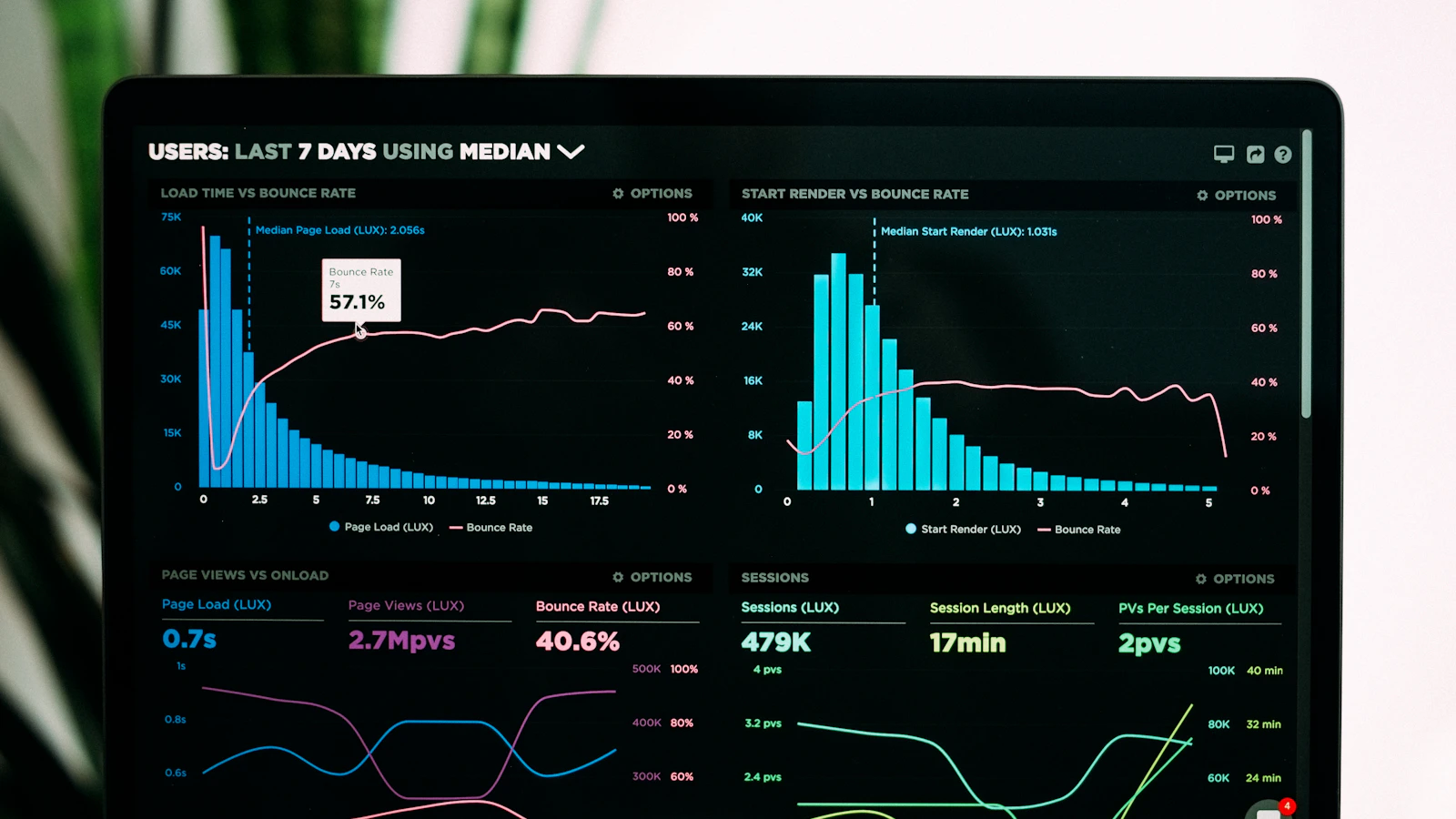
AI spreadsheet analysis for small business means using artificial intelligence to help clean, summarize, compare, explain, and question data from a spreadsheet while a person keeps control of the source, formulas, definitions, and final decision. Local business owners, B2B and online operators, employees, and managers can use the workflow to review sales, leads, expenses, inventory, appointments, projects, and customer feedback faster. The safe approach is not “upload everything and trust the answer.” It is to prepare a limited dataset, ask one business question, require visible calculations, verify the result, and then decide what action the evidence supports.
What can AI do with a business spreadsheet?
AI is useful when a spreadsheet contains more rows, inconsistent notes, or repeated comparisons than a person can review comfortably in one sitting. It can propose a cleanup plan, group similar records, explain a formula, identify missing values, summarize changes between periods, and turn an analysis into a short manager brief. It can also suggest follow-up questions that the first report did not answer.
- Summarize sales, leads, appointments, projects, orders, expenses, or service activity by period, location, owner, category, or status.
- Find duplicate records, inconsistent labels, blank fields, unusual values, and dates or amounts stored in the wrong format.
- Compare actual results with a target, prior period, location, campaign, salesperson, product, or service line.
- Draft spreadsheet formulas, pivot-table instructions, chart suggestions, or a plain-English explanation of an existing calculation.
- Group free-text notes into themes while keeping the original comments available for verification.
- Prepare a decision brief that separates observed facts, possible explanations, missing information, and recommended next checks.
AI should assist the analysis, not silently become the source of truth. A spreadsheet can contain duplicate rows, hidden filters, outdated tabs, inconsistent definitions, or formulas that already produce the wrong total. Faster analysis of a weak source only creates a faster wrong answer.
How do you prepare spreadsheet data for AI analysis?
1. Write the decision before the prompt
State the decision in one sentence: decide which open leads need a call this week, understand why labor cost rose, find products at risk of stocking out, or identify repeated customer questions. This keeps the analysis focused and makes it clear which columns and time period are actually needed.
2. Make a limited working copy
Keep the original file unchanged. Copy only the relevant sheet, columns, and rows into a dated working file. Remove hidden sheets, old exports, unused notes, formulas the analysis does not need, and information the reviewer is not authorized to share. Record where the copy came from and when it was created.
Before uploading or connecting any file, use the AI data privacy checklist for small business to classify customer, employee, financial, confidential, and regulated information and confirm the approved tool, account, purpose, and reviewer.
3. Standardize the columns
Give every column one meaning and a clear name. Use consistent date formats, currencies, units, status labels, locations, product names, and owner names. Put each record on one row. Replace merged cells, color-only meanings, unexplained abbreviations, and free-form category variations with explicit fields whenever practical.
4. Define the business terms
Explain what qualified lead, completed job, active customer, gross sale, refund, cost, margin, overdue, response time, or stockout means in this file. If the team uses the same word differently, the analysis will combine unlike records. A short data dictionary is often more valuable than a longer prompt.
5. Establish control totals
Before AI touches the working copy, record the row count and important known totals: total sales, number of orders, open leads, appointments, expenses, or units. After cleaning, grouping, or filtering, reconcile the new totals with those controls. Any difference should have a documented reason.
What prompt should you use to analyze a spreadsheet?
Use this prompt pattern: You are helping analyze an approved working copy for a [business type]. The decision is: [one decision]. First inspect the column names, row count, date range, missing values, duplicates, inconsistent categories, and possible data-quality problems. Do not change the source or invent missing values. Define every filter and calculation. Show the formula or step used for each total. Separate observed facts from possible explanations. List the original rows that support unusual findings. End with three questions a manager should verify before acting.
How do you verify an AI spreadsheet analysis?
- Confirm the file, sheet, date range, filters, row count, column definitions, units, and currency match the question.
- Recalculate the headline totals and at least one example from every important segment using spreadsheet formulas or another trusted method.
- Trace unusual findings back to the original rows and check for duplicates, blanks, outliers, refunds, cancellations, and category errors.
- Check whether a different time period, denominator, grouping, or definition changes the conclusion.
- Separate what the data shows from why it happened; ask the people closest to the work to test the possible explanation.
- Have the decision owner approve the final interpretation and record the source, version, assumptions, and action taken.
Use the business AI fact-checking checklist for numbers, dates, comparisons, sources, policies, and recommendations before a spreadsheet finding becomes a customer promise or operating decision.
When the spreadsheet is an export of receipts, invoices, or vendor activity, start with the AI bookkeeping guide for small business so the source records and control totals stay traceable.
What are practical AI spreadsheet examples?
Local business: appointment and lead follow-up
A local service company exports thirty days of approved lead and appointment data into a working copy. AI groups records by source, status, response time, and assigned employee, then flags missing next actions. The office manager checks the source records, fixes duplicates, and calls the leads that are genuinely waiting. The decision is based on verified open work, not an invented probability score.
B2B or online business: campaign and pipeline review
A B2B manager combines campaign cost, qualified leads, opportunities, and closed revenue using one agreed definition for each stage. AI prepares comparisons by campaign and notes where tracking is incomplete. The team checks attribution, dates, refunds, and deal ownership before shifting budget. Missing evidence remains labeled instead of being filled with a confident estimate.
Employee or manager: weekly operations brief
An operations manager uses a status spreadsheet with task owner, due date, stage, blocker, and last update. AI summarizes overdue work, repeated blockers, and decisions that need leadership. Employees confirm their rows before the brief is shared. The meeting focuses on resolving verified obstacles instead of debating an automatically generated narrative.
Inventory and purchasing: reorder questions
A retailer reviews recent sales, current stock, open purchase orders, lead time, and minimum display needs. AI identifies items that deserve a purchasing check and shows the rows behind each suggestion. A person verifies promotions, seasonality, supplier delays, returns, and cash constraints before any order is placed.
For a deeper example of this decision boundary, see the AI inventory management checklist for small business. AI can organize reorder evidence, but the buyer still owns the quantity, timing, supplier, and cash commitment.
Which spreadsheet tasks should stay human?
- Approving payroll, taxes, payments, refunds, purchases, journal entries, prices, forecasts, budgets, or financial statements.
- Making hiring, scheduling, performance, disciplinary, compensation, credit, insurance, eligibility, or other consequential decisions about people.
- Interpreting legal, regulatory, contractual, safety, medical, accounting, or tax requirements without the appropriate qualified reviewer.
- Deciding that correlation proves a cause, or treating an incomplete pattern as a prediction about a customer, employee, or market.
- Uploading sensitive information, granting access, connecting a live system, changing the source data, or replacing the official record.
- Sending the final customer communication or taking an external action based on the analysis without a named approver.
How should a business measure the value of AI spreadsheet analysis?
Compare the complete workflow before and after: preparation time, analysis time, review time, errors found, corrections required, questions answered, decisions completed, and whether the action produced the intended business result. Include the time spent cleaning the data and validating the output. A five-minute summary that takes two hours to repair is not an improvement.
The strongest sign of value is not a beautiful chart. It is a repeatable process in which the team reaches a useful decision sooner, can explain the evidence, catches mistakes before action, and leaves the source data and responsibility clear.
When the decision is about money timing rather than a historical summary, continue with the AI cash flow forecasting workflow for small business. It shows how to turn verified spreadsheet rows into weekly cash-in, cash-out, and low-balance scenarios without treating an AI estimate as an accounting record.
Why Winning With AI teaches analysis as a workflow
Mike Filsaime teaches Winning With AI as a live AI seminar for business owners, employees, and managers who want practical workflows in plain English. Spreadsheet analysis is a useful example because the prompt is only one step. The business result depends on choosing the question, preparing approved data, defining the terms, checking the math, interpreting the context, and assigning the next action to a person.
WinningWithAI.com helps you choose practical AI guidance for your role. At the live workshop, local and B2B or online owners, employees, and managers can see how a careful input-to-review workflow turns everyday business information into clearer action.
AI spreadsheet analysis FAQ
Can AI analyze Excel or Google Sheets data?
Many AI-enabled products can help analyze spreadsheet files or copied table data, but features, limits, account controls, and data handling differ. Use a business-approved tool, provide only the minimum necessary information, and verify the calculations in the spreadsheet before acting.
Do I need clean data before using AI?
Yes. AI can help identify possible duplicates, blanks, inconsistent labels, and format problems, but a person must decide the correct value and preserve the original record. Clear columns, definitions, dates, units, and control totals make every later answer more reliable.
Can AI create spreadsheet formulas?
AI can draft and explain formulas, but you should test them on known examples, blank values, errors, edge cases, copied ranges, and new rows. Keep a person responsible for any formula that affects money, customers, inventory, employees, or reporting.
Is it safe to upload customer or financial spreadsheets?
Do not upload them by default. First confirm the approved tool, business account, purpose, settings, retention, model-training use, access, contract, deletion process, and legal or industry requirements. Prefer a sanitized working copy with identifiers and unnecessary fields removed.
What is the best first spreadsheet analysis project?
Choose a low-risk, recurring report with a known answer and an available human reviewer. Examples include grouping public marketing content, summarizing project statuses, checking category consistency, or comparing a completed period with an approved total. Avoid payroll, taxes, personnel decisions, or live financial actions for the first pilot.
Where can I learn this workflow live?
Visit WinningWithAI.com to find an official Winning With AI seminar near you. The live AI workshop shows business owners, employees, and managers how to move from approved information to useful output, human review, and accountable action in plain English.
Start with one file and one decision
Choose one familiar spreadsheet, make a safe working copy, define one decision, record the control totals, and ask for a transparent analysis. Check the rows, formulas, definitions, and conclusion before acting. When the result is reproducible and useful, save the preparation and review checklist so the next person can run the same workflow responsibly.
When the analysis supports spending priorities, continue with the AI budgeting guide for small business and keep each assumption connected to a source and owner.
Turn recurring analysis into an AI KPI dashboard with stable definitions, source checks, owners, and actions. Read the complete guide.