AI Strategy | 10 min read
Published | Updated
AI for Employees and Managers: How to Become More Valuable Before Your Workplace Demands It
The risk isn’t that every job disappears tomorrow. The risk is that someone else learns how to do clearer, faster work with AI first.

AI for employees and managers means using artificial intelligence to write, summarize, research, organize, plan, follow up, communicate, and produce useful work faster. The goal isn’t to become technical. The goal is to become the person who can move work forward when everyone else is still sorting through the mess.
Why employees should learn AI now
Companies are starting to notice the people who can produce clearer work faster. The person who can turn a messy email thread into a summary, draft the reply, list the next steps, and prepare the follow-up becomes useful quickly.
AI may not replace your job tomorrow. But a person using AI can become more productive than a person who refuses to learn. That’s the practical career issue.
How employees can use AI at work
- Summarize long email threads.
- Draft replies before editing them in your own voice.
- Turn meeting notes into action items.
- Create outlines for reports or presentations.
- Research a topic and organize the findings.
- Draft customer updates or internal messages.
- Prepare questions before a meeting.
- Turn vague assignments into clearer plans.
How managers can use AI
Managers can use AI to improve clarity. That may mean summarizing team updates, drafting project briefs, creating agendas, organizing decisions, turning meetings into owners and deadlines, or helping employees create better first drafts.
The manager still leads. AI helps reduce the drag between information and action.
The workplace tasks AI helps most
- Writing: drafts, replies, outlines, scripts, and summaries.
- Research: finding patterns, questions, comparisons, and talking points.
- Meetings: agendas, notes, decisions, owners, and follow-up.
- Customer communication: replies, updates, FAQs, and next steps.
- Planning: priorities, timelines, checklists, and project breakdowns.
- Reporting: summaries, insights, executive briefs, and recommendations.
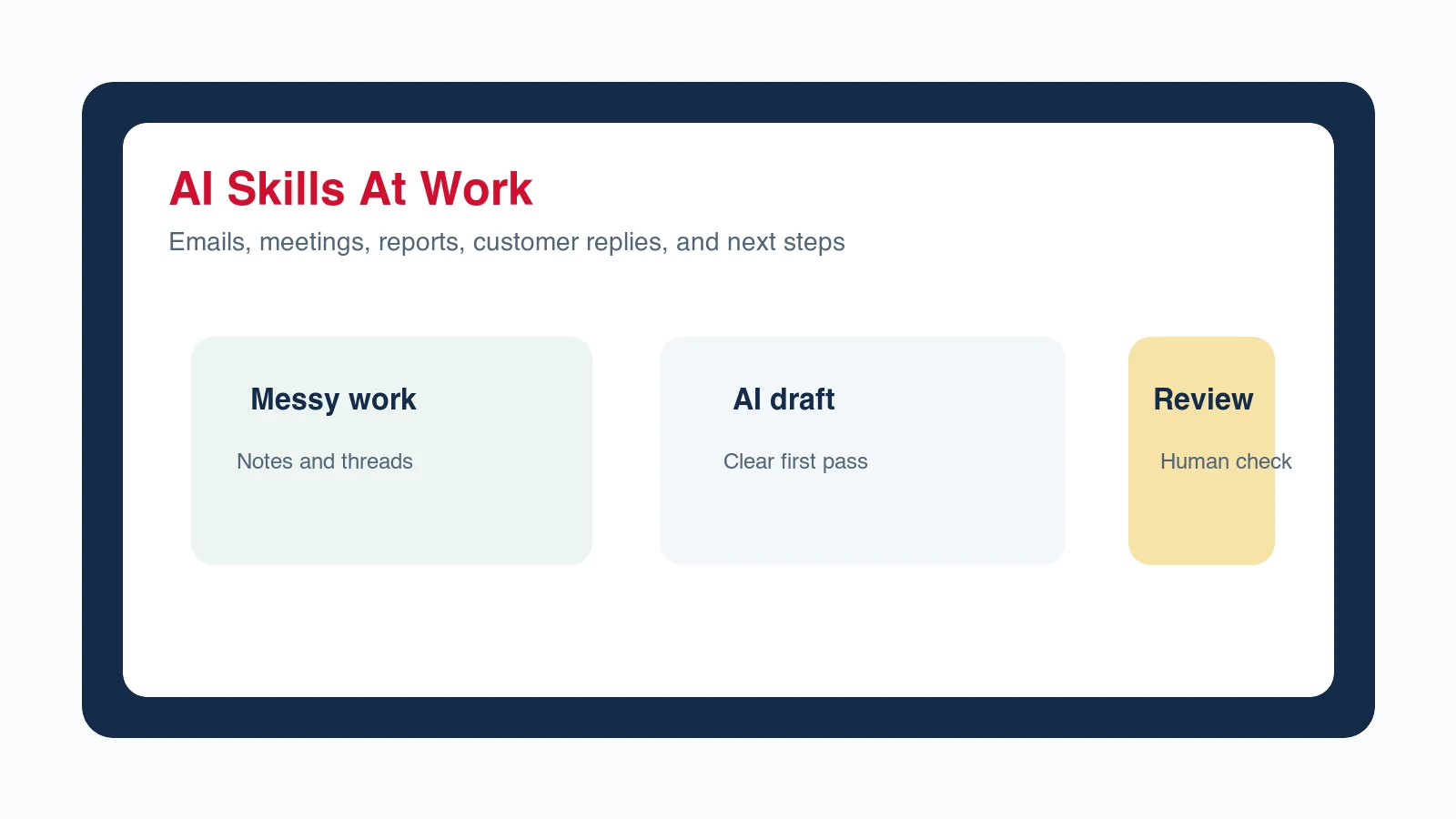
How AI can help job security
AI can help job security by making you more useful. A person who can write faster, organize better, follow up sooner, and turn confusion into action is valuable. The skill doesn’t belong only to your current employer. It travels with you.
What employees shouldn’t do with AI
- Don’t paste confidential company information into tools unless your company allows it.
- Don’t send AI output without checking it.
- Don’t pretend AI-generated work is final judgment.
- Don’t use AI to avoid understanding the work.
- Don’t violate company policy, privacy rules, or customer trust.
A simple AI workflow for employees
- Start with one messy task.
- Tell AI your role, audience, goal, and constraints.
- Ask for a summary, plan, or draft.
- Review the output for accuracy.
- Rewrite in your voice.
- Save the prompt if it helped.
Learn AI before your workplace demands it
Waiting for your company to tell you exactly how to use AI may put you behind. Learning now gives you a head start. You don’t need to become an AI expert. You need practical confidence.
Should you tell your manager you are using AI?
Yes, and the people who do tend to come out ahead. The instinct to hide it is understandable: it can feel like admitting the work was easier than it looked. That instinct is worth resisting, because the alternative is worse.
An employee who quietly uses AI is an employee whose method disappears when they leave, and who has no cover if something goes wrong. An employee who says here is the workflow I built and here is how I check it becomes the person the team asks. Same work, completely different position. Check your company policy first, then be the one who explained it rather than the one who got found out.
What happens when everyone on the team uses AI?
The advantage stops being access and starts being judgment. Right now, simply using AI competently makes someone noticeably faster than colleagues who do not. That gap closes, and it closes faster than most people expect.
What does not commoditize is knowing which output is good, which is subtly wrong, and which question was worth asking in the first place. The employee who understands the work can tell when the draft is off. The one who only knows the prompt cannot. That is the durable skill, and it is why learning AI on work you actually understand beats learning it in the abstract.
It also changes what a team argues about. When drafting is cheap, the bottleneck moves to deciding, and teams that never had to be clear about what they wanted suddenly have to be. That is uncomfortable and mostly healthy. The meetings get shorter and the disagreements get earlier, which is where they belong.
Does using AI make your work less valuable?
Only if the work was the typing. Most jobs are not: they are knowing what to say, to whom, and when, then being accountable for it. AI does not do accountability, and it does not know what your customer said last month.
The employees who feel threatened are usually the ones whose contribution had quietly become production rather than judgment. That is a real problem and it predates AI. The response is to move toward the part of the job that needs a person, not to avoid the tool that exposed the gap.
What else do people ask about AI at work?
Is Winning With AI only for business owners?
No. Winning With AI is also for employees and managers who want practical AI skills for emails, meetings, customer communication, summaries, reports, research, and follow-up.
Can employees use AI without violating company policy?
Employees should follow company policy, avoid sharing confidential information in unapproved tools, and review every output before using it. Responsible AI use starts with judgment, not shortcuts.
What is the best first AI skill for work?
The best first skill is turning messy input into a useful draft: a summary, reply, agenda, task list, report outline, or customer update. That skill shows value quickly in almost every workplace.
What if my employer has no AI policy yet?
Ask before you use it on anything that touches customer data or confidential work, and keep to public, low-risk material until there is an answer. Being the person who raised the question is a better position than being the one who discovers the rule afterward, and it often produces the policy.
How do I show my manager that AI improved my work?
Show the output and the time, not the tool. A report that used to take a day and now takes an hour, or follow-up that now happens at all, is a result a manager can act on. Leading with which assistant you used moves the conversation to software rather than to what changed.
Which AI skill is worth learning if I only have an hour?
Summarising to a decision. Take a long thread, a call, or a document and produce the situation, the options, and the recommendation in under two hundred words. It is the most transferable skill on this list, and it is the one that makes other people's work depend on yours.
See AI for work demonstrated live
Winning With AI shows employees and managers how to use AI for real workplace output: emails, meetings, notes, summaries, customer messages, research, reports, and follow-up. The seminar is built for practical confidence, not technical overwhelm.
A practical rollout should combine an employee AI training checklist with a clear small-business AI policy. Owners and team members can also choose the AI path that fits their role.