AI Strategy | 9 min read
Published | Updated
AI Policy for Small Business: A Plain-English Checklist for Owners, Employees, and Managers
A small business AI policy should help the team use AI faster and safer: what’s allowed, what needs review, what data stays out, and who approves final work.
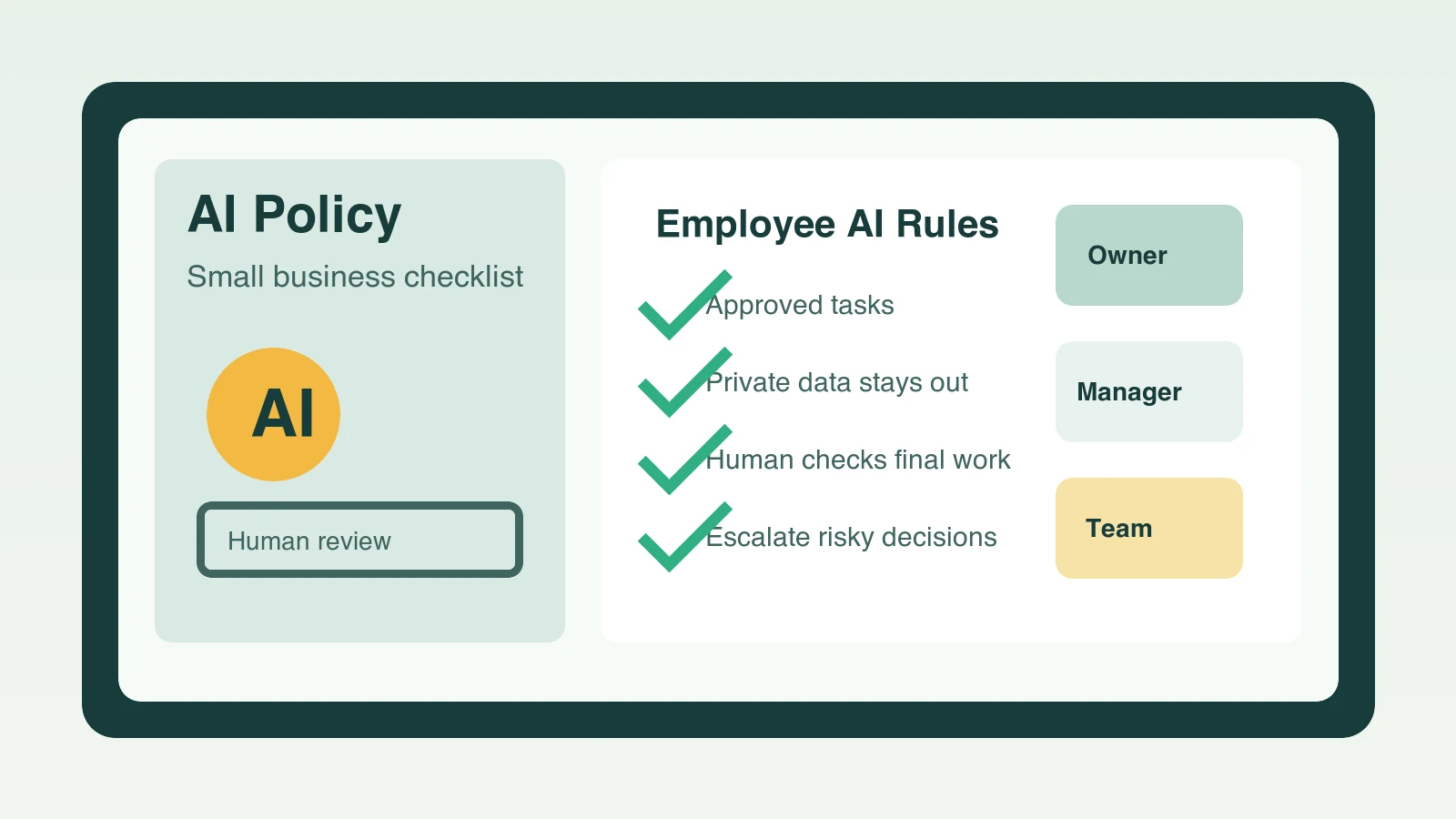
An AI policy for small business is a simple set of rules that tells owners, employees, and managers how AI can be used at work, what information must stay private, which tasks need human review, and who’s responsible for final decisions. The best policy is short, practical, and built around real workflows like customer replies, marketing, meeting notes, sales follow-up, reviews, and internal checklists.
What should a small business AI policy include?
A small business AI policy should include the purpose of AI use, approved tasks, restricted tasks, private data rules, review requirements, customer-facing rules, tool approval, recordkeeping, and a simple escalation path. If an employee can read it in ten minutes and know what to do on Monday morning, the policy is doing its job.
- Purpose: why the business uses AI and what good use looks like.
- Allowed uses: drafts, summaries, outlines, research support, checklists, training notes, and first-pass marketing ideas.
- Restricted uses: legal, medical, financial, employment, safety, pricing, refunds, compliance, or anything that makes promises without approval.
- Data rules: what customer, employee, vendor, financial, login, and confidential information must not be pasted into AI tools.
- Human review: who checks accuracy, tone, privacy, claims, and final approval before work is published or sent.
Why do small businesses need AI guidelines for employees?
Small businesses need AI guidelines because employees are already hearing about AI, testing tools, or being asked to move faster. Without a simple policy, one person may use AI carefully while another pastes private customer information into an unapproved tool, publishes an unchecked claim, or sends a reply that sounds polished but contains the wrong facts.
The goal isn’t to scare the team away from AI. The goal is to give people permission to use AI in the right places while protecting customers, the company, and the employee who’s doing the work.
What AI tasks are usually safe to start with?
The safest first AI tasks are useful, repeatable, easy to review, and low-risk if a human checks the output. SBA guidance for small businesses points to practical benefits such as efficiency, reusable templates, meeting summaries, business content, brainstorming, and better use of business data. That’s a sensible starting lane for most owners and managers.
- Draft a reply to a common customer question, then have a person check details before sending.
- Summarize a meeting, call, or email thread into decisions, open questions, and next steps.
- Turn a promotion idea into a first-draft email, social post, and landing page outline.
- Create an internal checklist for a repeated process such as opening, closing, onboarding, estimates, or follow-up.
- Rewrite a rough message so it’s clearer, shorter, and more professional.
- Brainstorm FAQ answers based on the questions customers already ask.
What information should employees never put into AI?
Employees shouldn’t put private, sensitive, regulated, or confidential information into AI unless the business has approved the tool, reviewed the vendor terms, and decided the use is appropriate. The FTC has warned that companies can face enforcement risk when privacy commitments, omissions, or data-use practices mislead customers. For a small business, the practical rule is simple: don’t paste sensitive information into tools casually.
- Customer names, phone numbers, emails, addresses, payment details, account numbers, or health and financial information.
- Employee records, payroll information, performance notes, medical details, or hiring decisions.
- Private vendor contracts, passwords, API keys, bank information, tax records, or unreleased company plans.
- Anything covered by industry rules, client confidentiality, nondisclosure agreements, or professional obligations.
- Full customer complaints, legal threats, refund disputes, or emotionally sensitive messages without removing identifying details first.
Employment work needs its own boundary. Use the AI hiring workflow for small-business managers to separate low-risk drafting and organization from applicant screening, accommodation, evaluation, and decisions that remain with qualified people.
Use the AI data privacy checklist for small business to classify information, minimize customer and employee details, review tool settings, and give the team a clear stop-and-ask rule.
Turn those data rules into everyday account, access, update, vendor, and incident controls with the AI cybersecurity checklist for small business.
How should employees review AI work before using it?
Every AI draft should be reviewed by a person who understands the customer, the business, and the consequence of getting it wrong. NIST describes AI risk management as a way to improve trustworthiness in AI systems, and its generative AI profile highlights the need to identify unique generative AI risks and choose actions that fit the organization. In a small business, that translates into a simple review habit.
- Check facts, names, dates, prices, locations, and promises.
- Remove private information that doesn’t belong in the final output.
- Make sure the tone sounds like the business, not a generic AI template.
- Look for invented claims, fake statistics, fake reviews, or unsupported guarantees.
- Confirm that a qualified person approves anything involving policy, compliance, legal, medical, financial, employment, or safety topics.
- Save useful approved drafts as templates so the next version starts from a better standard.
What customer-facing AI rules should a business set?
Customer-facing AI rules should protect trust. The team shouldn’t publish fake reviews, fake testimonials, fake credentials, unsupported performance claims, or messages that imply a person reviewed something when no person did. The FTC has made clear through AI enforcement actions that using AI doesn’t create an exemption from existing laws against unfair or deceptive conduct.
- Don’t generate or publish fake reviews, fake customers, or fake before-and-after claims.
- Don’t claim AI can replace a licensed professional or expert unless the business has evidence and authority to support that claim.
- Don’t send high-stakes customer decisions without qualified human review.
- Don’t hide material details about how customer information is collected, used, or retained.
- Do use AI to make helpful drafts, summaries, FAQs, explanations, and follow-up easier to review and improve.
A one-page AI policy checklist for small business
- Name the approved AI tools the team may use.
- List the business tasks where AI is allowed.
- List the tasks where AI may assist but a manager must approve the final output.
- List the data that must never be entered into AI tools.
- Require human review before anything is sent to customers, posted publicly, or used for a decision.
- Require employees to flag uncertain facts instead of guessing.
- Create a manager escalation path for privacy, legal, finance, HR, safety, complaints, refunds, and reputation-sensitive work.
- Save approved prompts, templates, and examples in one shared place.
- Review the policy every quarter as tools, workflows, and customer expectations change.
How can managers train employees to use AI responsibly?
Managers should train employees with real examples from the business. Show a safe customer reply draft, a risky reply draft, a good meeting summary, a bad summary, an approved prompt, and a task that should be escalated. People learn faster when they can compare the right way with the risky way.
How Winning With AI helps owners and teams make AI practical
A written policy matters, but most teams need to see practical AI work before the rules feel real. At Winning With AI, local business owners, B2B and online business owners, employees, and managers can watch plain-English AI workflows for replies, marketing, follow-up, summaries, checklists, and daily productivity. That makes the policy easier to apply because the team can see where AI belongs and where human judgment still leads.
Put the policy into practice with the AI readiness checklist for small businesses and the business AI prompt checklist. For questions about the live training experience, review the Winning With AI FAQ.
Find a Winning With AI Seminar Near You
What else do people ask about a small business AI policy?
Does a small business really need a written AI policy?
If staff are using AI, the policy already exists, it just is not written down and everybody has guessed a different version of it. One page settles what can go in, what cannot, and who reviews customer-facing output. That is enough for most small businesses, and it prevents the expensive kind of surprise.
What should never go into an AI tool?
Customer personal data, payment details, health information, anything under a confidentiality agreement, passwords, and unreleased commercial information. The practical test staff can apply without asking: if you would not paste it into a public forum, do not paste it into a chat window either.
Who should own the AI policy in a small business?
Whoever owns the customer relationship, usually the owner or the person who runs operations. It works badly as an IT document, because the real questions are about judgement and approval rather than software. One named owner also means staff know exactly who to ask when something falls outside the page.
How do I write an AI policy without a lawyer?
Start with the one page: approved uses, banned inputs, required review before anything customer-facing, and who to ask. Legal review is worth having if you handle regulated data or sign customer contracts with confidentiality terms, and it is much cheaper to review a draft you have already written.
How often should the policy be updated?
Review it when something changes in the business rather than on a schedule: a new tool, a new type of customer data, or an incident that showed a gap. A policy revised every quarter for its own sake stops being read, which is the only failure mode that actually matters.